Photo to Sketch: Convert Image to Sketch Instantly
Convert any photo into a pencil sketch, line drawing, or ink outline in seconds, with no drawing skill required. Upload a portrait, pet photo, or landscape, choose from dozens of sketch styles, and get clean lines that keep every recognizable detail.
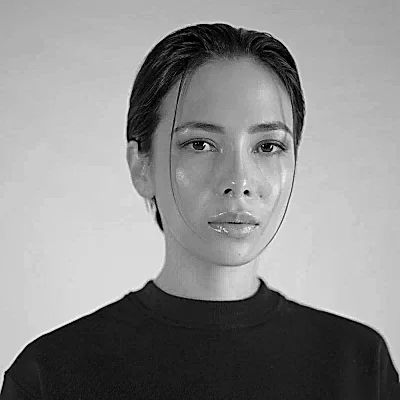
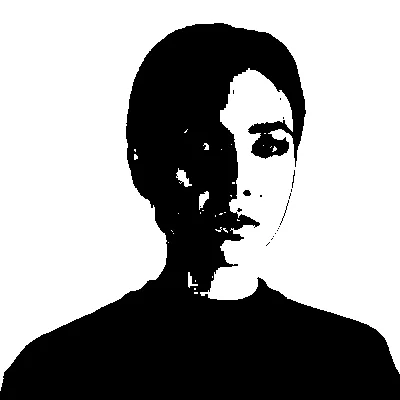
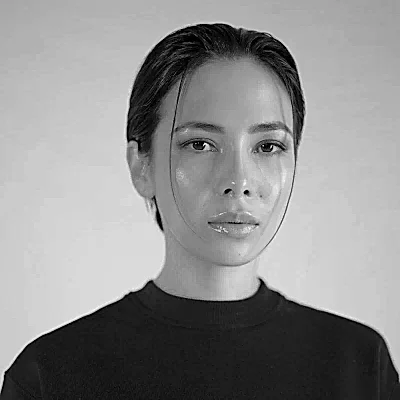
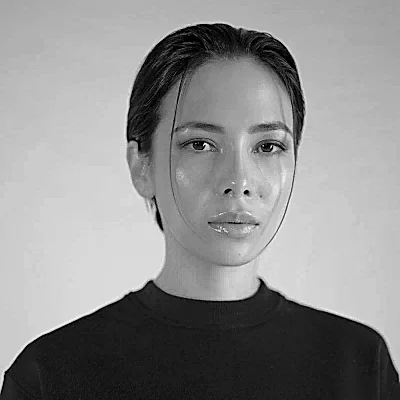
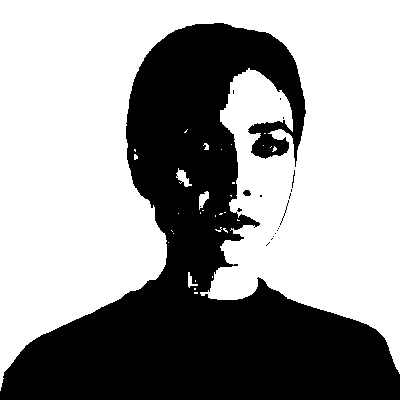
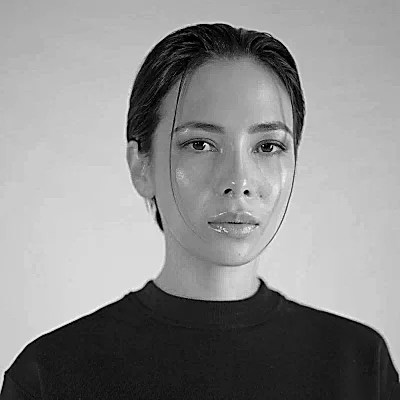
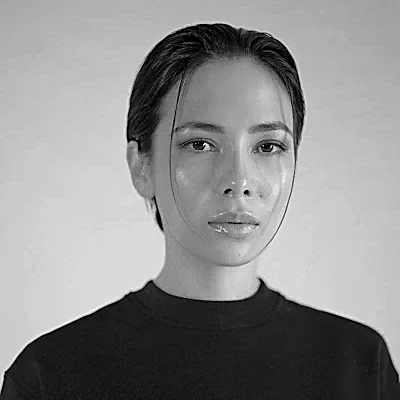
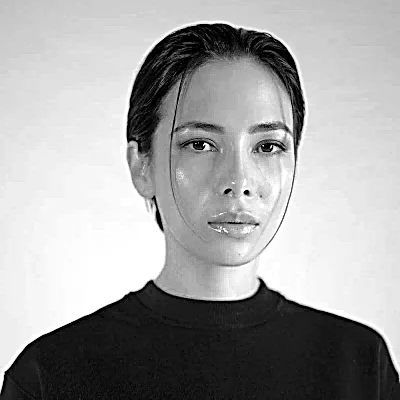
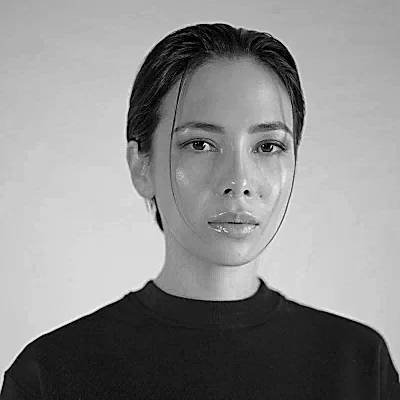
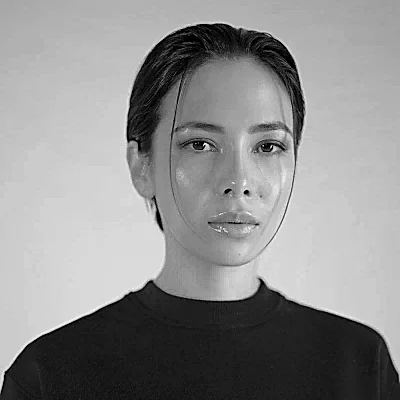
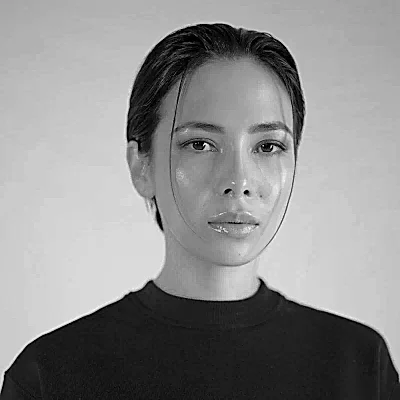
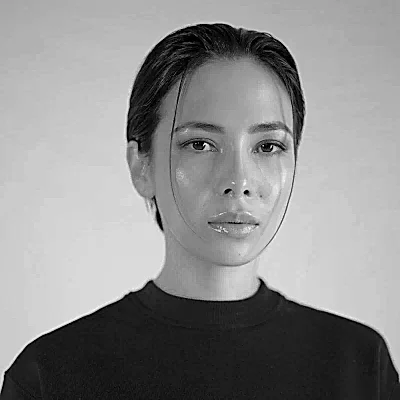
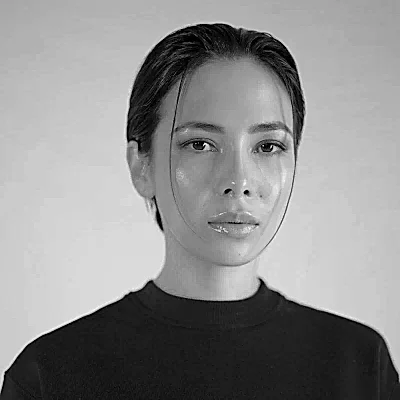
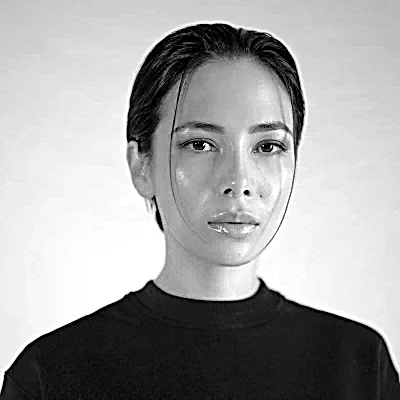
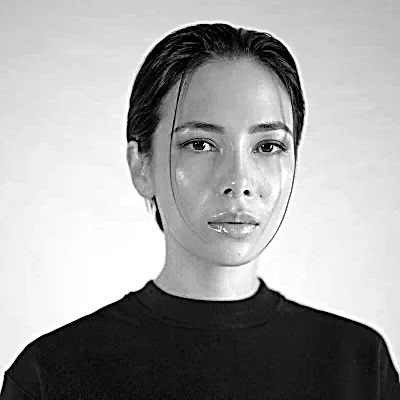
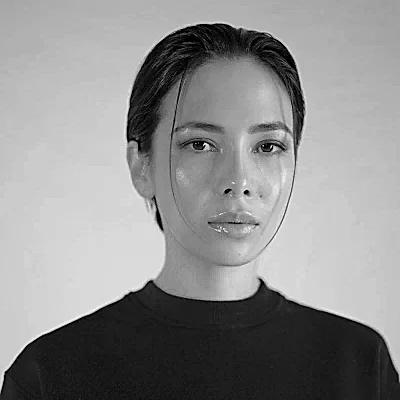
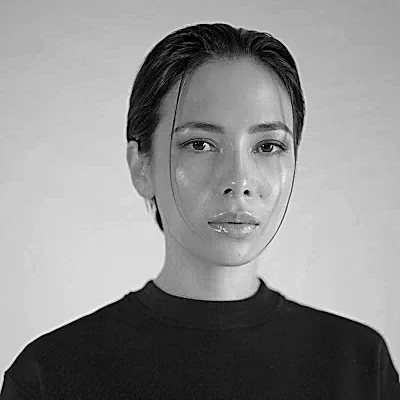
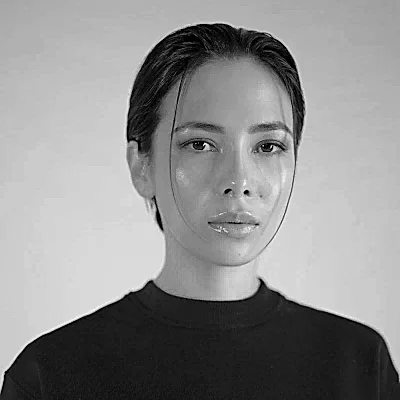
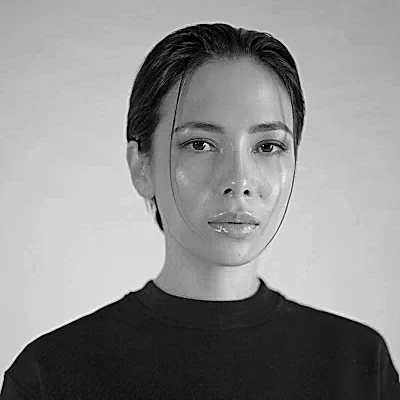
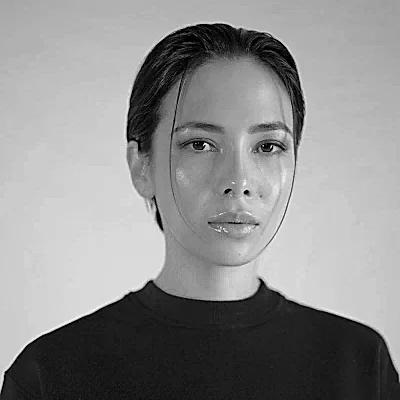
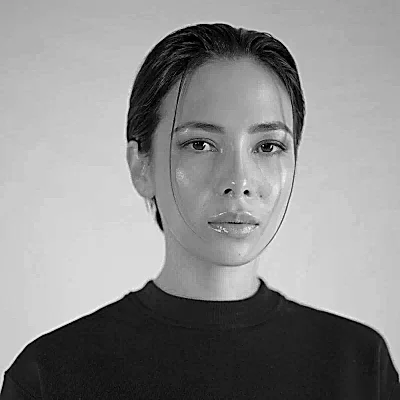
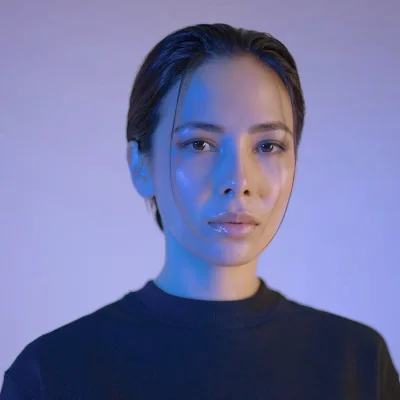
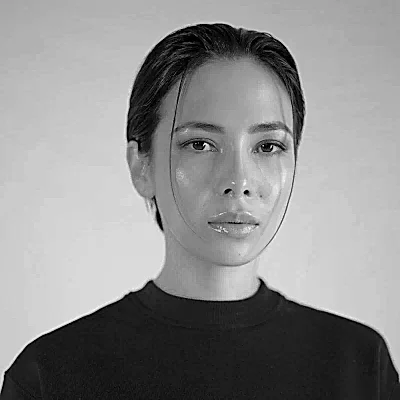
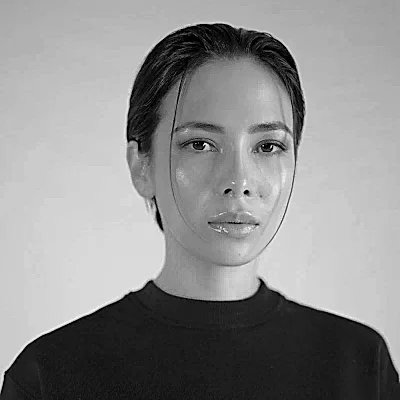
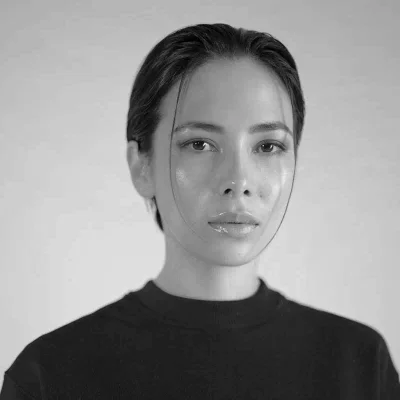
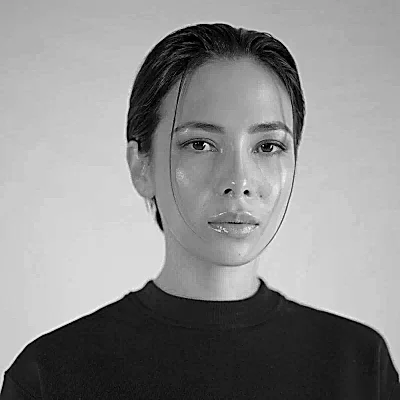
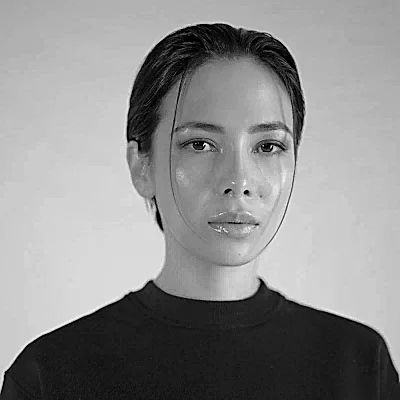
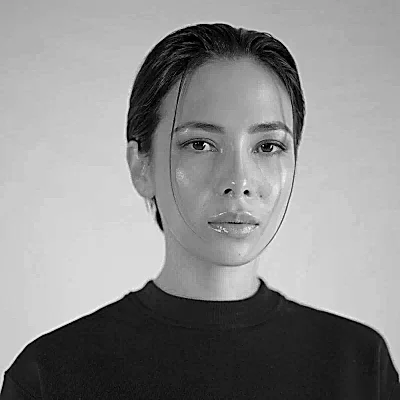
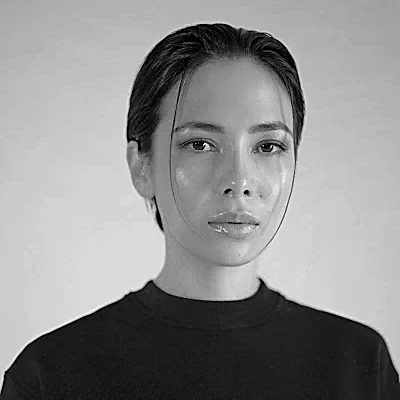
Choose from Dozens of Sketch Styles
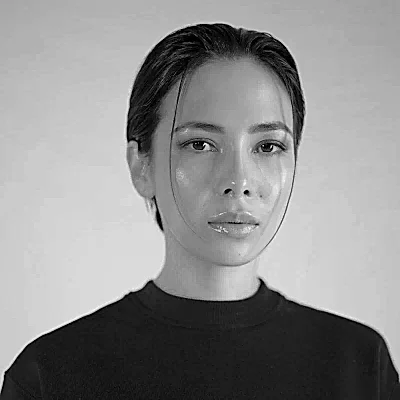
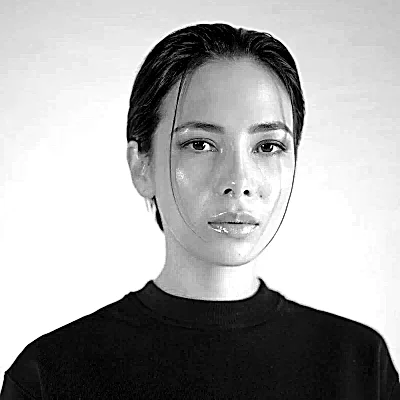
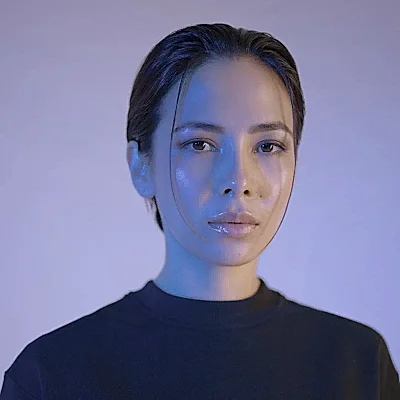
Photo to Sketch offers multiple artistic styles in one picker, covering pencil sketch, charcoal sketch, ink sketch, colored pencil, watercolor sketch, and digital sketch. It covers the line art families too: clean line art, contour sketch, continuous line, comic line art, anime line art, and minimalist outline. Each sketch preset changes the hand drawn style, so black and white pencil sketch output and softer artistic drawings come from the same photo.
Preserve Every Photo Detail
Photo to Sketch Converter maps accurate lines and shading from the source photo and returns clean output that holds the recognizable features of a face. It preserves key features that make a portrait identifiable, which is what separates a realistic pencil sketch from a generic sketch filter.
Accurate Facial Proportion & Light Retention
Edge emphasis and natural lighting falloff keep eyes, smile, and expression 100% recognizable.
Clean Outlines & Background Noise Reduction
Background noise is suppressed while hair strands, facial contours, and structural edges stay sharp.
Depth, Texture & Realistic Graphite Gradients
Cross-hatching and smooth graphite gradients follow the actual 3D planes of the face and clothing.
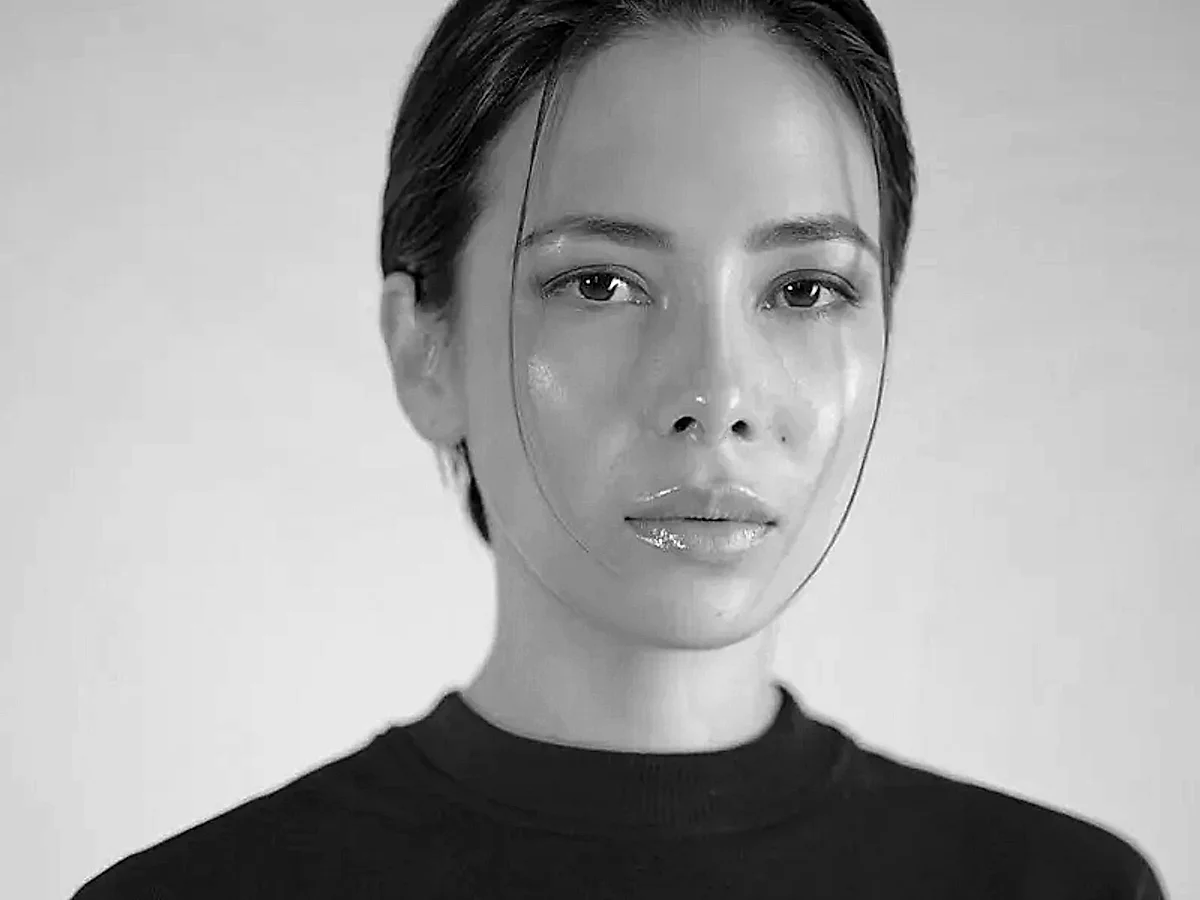
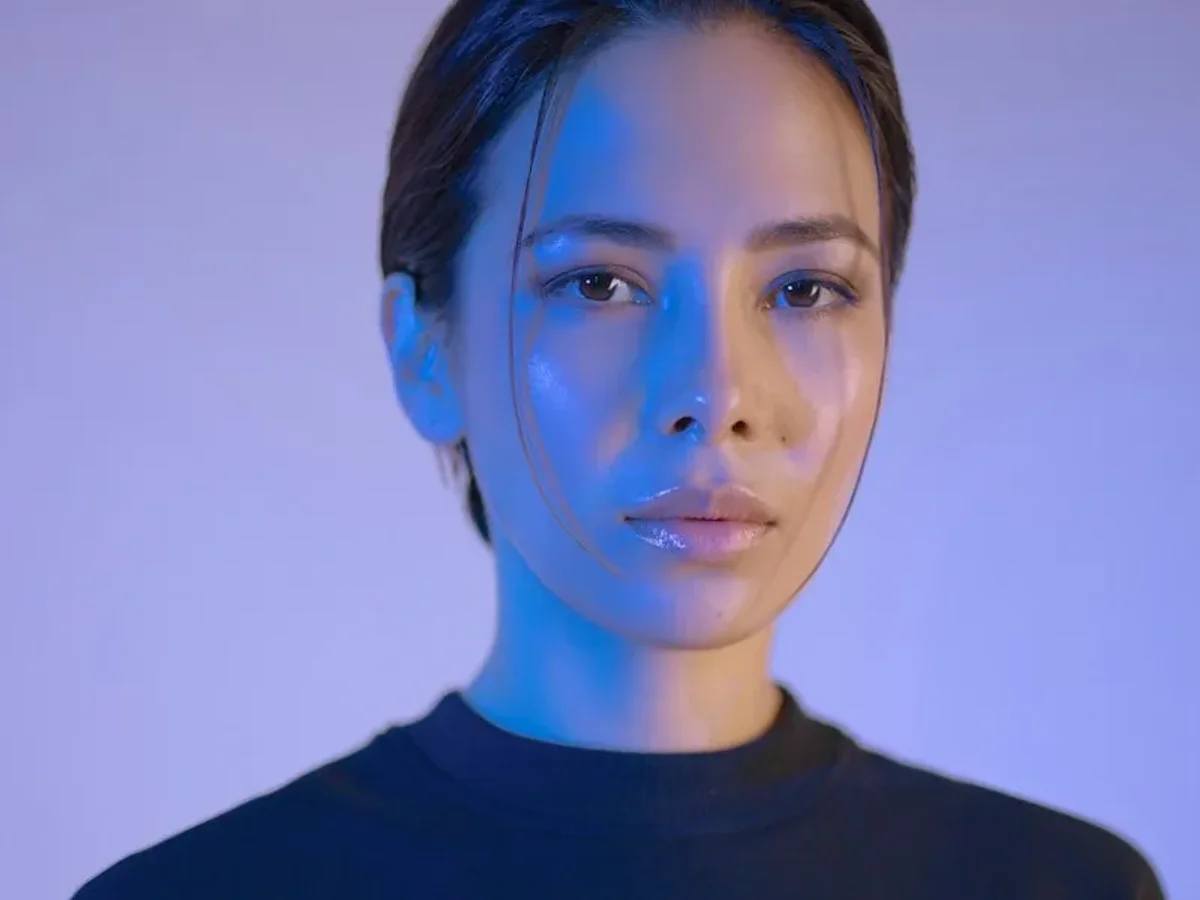
Convert Photo to Sketch Instantly
Photo to Sketch Converter turns an uploaded picture into a pencil sketch, line drawing, ink drawing, or outline drawing in one pass. It doubles as an AI photo to sketch converter and an outline drawing generator, running fast conversions online with zero queue lag.
Sketch Photos with No Drawing Skill
Photo to Sketch needs no drawing skills and no editing work, because the style preset carries the technique a hand drawing would otherwise demand. It stays beginner friendly, so a first-time visitor and a working illustrator reach a finished sketch along the same path.
Explore All Photo to Sketch Features
Everything you need to turn any portrait, family photo, pet, architectural design, or landscape into an exquisite sketch.
Refine Line and Shading Detail
Controls line weight across softer lines, bolder strokes, fine pencil strokes, and looser sweeping strokes, with soft pencil shading following the light, shadow, texture, and proportion of the subject. Applies edge emphasis and background noise reduction so sketch texture and intricate details survive.
Generate with Smart AI Technology
Runs image generation technology tuned for sketch output, pairing an AI sketch generator with AI sketch filters. Produces hand drawn effects, AI line art, and a black and white hand drawn look from one line art generator.
Customize Your Sketch in Editor
Regenerates a sketch at a different style setting when the first result misses, so a customize sketch pass takes one click. Hands a finished file to an image editor such as Adobe Photoshop or Procreate for further work.
Convert Multiple Photos at Once
Processes multiple photos in a single batch conversion instead of one upload at a time. Clears a folder of vacation photos or client portraits in one run.
Use a Custom Prompt Library
Stores a prompt library of sketch directions, so a custom prompt describes a requested edit in plain words. Reuses a saved prompt on the next photo without rebuilding the instruction.
Get Clean Results from Any Photo
Reads lighting, exposure, contrast, and focus before edge detection runs, so facial details, depth, and clear outlines stay intact on high contrast subjects. Handles crowded backgrounds, shadows, fog, and soft texture cleanly.
Export in Every File Format
Accepts JPG, JPEG, PNG, WebP, HEIC, and SVG file formats per image. Returns a high resolution JPG or PNG for web and print, ready as a base layer in design software.
Share and Print Your Sketch
Downloads a sketch ready to share to social media or publish on social accounts without a resize pass. Holds up in print at 300+ DPI, so a finished sketch goes straight to a frame.
Sketch Any Photo Subject
Converts portraits, family portraits, group photos, and selfies into face-accurate line work, and renders a cat photo or dog photo as a pet caricature. Takes landscapes, pets, nature photos, buildings, landmarks, and travel photos.
Use Your Sketch for Any Project
Discover how digital creators, artists, students, and brands turn photos into versatile sketch graphics.
Create Social Media Avatars
Photo to Sketch Converter turns profile photos into sketch avatars that read clearly at thumbnail size on Instagram, TikTok, and LinkedIn. It gives digital content creators one consistent online presence across social platforms.
Make Personalized Gifts and Keepsakes
Photo to Sketch turns a wedding photo or a family portrait into sketch portraits that work as DIY gifts and home decor gifts. It gives memorable moments a handmade style out of a phone camera roll.
Print Wall Art and Decor
Photo to Sketch Converter prepares prints and wall art for canvas printing, framed artwork, and other print products. It gives wall decor and home decorations a handcrafted feel without commissioning an artist.
Design Posters, Logos, and Covers
Photo to Sketch supplies poster design, branding logo, and illustration assets for posters, flyers, book covers, banners, stickers, icons, packaging, and presentations.
Create Tattoo Reference Sketches
Photo to Sketch Converter produces tattoo reference sketches with the contour clarity tattoo artists need to read primary lines. It turns a saved photo into tattoo inspiration or a workable stencil.
Produce Coloring Pages and Templates
Photo to Sketch outputs high-contrast line work that prints as a coloring page, a stencil, or a reusable template. It supplies printable artwork for classrooms, children, and craft projects.
Use Sketches for Commercial Work
Photo to Sketch Converter supports client work and merchandise built on sketches made for commercial purposes, safe for publishing and selling across brand campaigns.
Built for Every Creator
Support Graphic Designers and Creators
Photo to Sketch Converter gives a graphic designer and a freelance artist a sketch base to build a layout on. It gives a photographer and a content creator a drawn treatment of work already shot.
Help Students and Travel Bloggers
Photo to Sketch helps a student illustrate school projects without sourcing stock art. It gives a travel blogger a drawn version of a trip photo for an editorial header.
Welcome Beginners and Professionals
Photo to Sketch Converter serves beginners making a first sketch and professionals preparing a client file. It applies the same studio presets to both.
Convert Your Photo to Sketch in Three Steps
No drawing experience or software setup required. Your sketch is ready in 3 simple steps.
Upload Your Photo
Drag and drop an image, click to upload, or paste from clipboard. Photo to Sketch Converter accepts the upload in the browser with no app install, and sample images are ready to test.
Choose a Sketch Style
Select a style from the picker, then set line strength and contrast adjustment. Photo to Sketch Converter applies the chosen sketch effect with AI edge precision.
Preview and Download Sketch
Convert the photo into a sketch and preview the result in high resolution. Download your sketch as a watermark-free JPG or PNG ready for print or web.
Choose Our Photo to Sketch Converter Confidently
Crafted with authentic hand-drawn aesthetics, ironclad zero-retention privacy, and full commercial protection.
Get Your Sketch in Seconds
Photo to Sketch Converter completes a fast conversion in seconds on a standard connection. It holds the same fast processing across a batch, so conversions never stall in queues.
Keep Your Photos Private
Photo to Sketch Converter runs secure SSL processing on every upload. Automatic deletion purges files shortly after processing, never training public models on private photos.
Use on Every Device
Photo to Sketch runs as a modern web application in any web browser on desktop, iPhone, iPad, and Android, without any app or software download required.
Own Full Commercial Rights
Outputs can be freely published, framed, printed, or used in commercial client assets when rights to the source photo are held, with full resolution and no watermark.
Photo to Cartoon & Anime
Explore our flagship AI generators to convert any portrait into 3D Pixar styles, American cartoons, comic art, and authentic Studio Ghibli or Japanese anime illustrations.
Start Free with No Sign-Up
Photo to Sketch opens as a free online AI tool, with no sign up, no login, no registration, and no payment details. A new user gets free credits for daily tasks, and an upgrade to premium credits covers heavier use with no hidden fees.
Claim Free Daily Credits & ConvertFind Answers to Your FAQs
Everything you need to know about photo to sketch conversion, styles, formats, and commercial usage.
Convert Your Photos to Sketches with Advanced AI
Turn any selfie, pet, architecture, or landscape photo into fine graphite pencil, clean line art, or charcoal drawings in seconds. Free to try with zero watermark.
Start Converting Photo to Sketch↑